Pydoll
Pydoll automates Chromium browsers over the Chrome DevTools Protocol, with no webdriver and no manual waits. Use it to scrape data, test web applications, and automate real browser workflows in async Python.
Installation
Pydoll drives the Chrome or Edge already installed on your machine. You don't need to download a webdriver or keep driver versions in sync with your browser.
New to Pydoll? Follow Getting started for a complete walkthrough.
Quick start
Open a page, find elements by how you'd describe them to a person, and interact with humanized timing:
import asyncio

from pydoll.browser.chromium import Chrome


async def main():
    async with Chrome() as browser:
        tab = await browser.start()
        await tab.go_to('https://github.com/autoscrape-labs/pydoll')

        star_button = await tab.find(
            tag_name='button',
            timeout=5,
            raise_exc=False
        )
        if not star_button:
            print('Button not found.')
            return

        await star_button.click()
        await asyncio.sleep(3)

asyncio.run(main())
When the goal is data rather than interaction, define a model and let Pydoll extract it, typed and validated:
import asyncio

from pydoll.browser.chromium import Chrome
from pydoll.extractor import ExtractionModel, Field


class Quote(ExtractionModel):
    text: str = Field(selector='.text')
    author: str = Field(selector='.author')
    tags: list[str] = Field(selector='.tag')


async def main():
    async with Chrome() as browser:
        tab = await browser.start()
        await tab.go_to('https://quotes.toscrape.com')

        quotes = await tab.extract_all(Quote, scope='.quote', timeout=5)
        for quote in quotes:
            print(f'{quote.author}: {quote.text}')

asyncio.run(main())
Models support CSS and XPath selectors, HTML attribute targeting, custom transforms, and nested models. Learn more in Structured extraction.
Why Pydoll
- No webdriver: Pydoll connects straight to the browser over the Chrome DevTools Protocol. Nothing to download, no version mismatches to debug.
- Humanized interactions: clicks follow curved mouse paths and typing has variable rhythm with occasional corrected typos, so your automation behaves like a person at the keyboard.
- Async by design: built on
asyncio, so one process can drive many tabs and browsers concurrently. - Cloudflare Turnstile handling: Pydoll detects the Turnstile widget and clicks it natively. No external captcha service to pay for or integrate.
- Network control: monitor, intercept, and modify requests as the page makes them.
- Typed extraction: declare a Pydantic model and get validated, IDE-friendly objects instead of raw elements.
What's next
- Getting started: install Pydoll and run your first script.
- Your first automation: log in to a site and extract typed data.
- Migrating from Selenium and Playwright: map the moves you know to Pydoll.
- Staying undetected: the minimum setup to avoid the obvious bot signals.
- Guides: one guide per capability, from element finding to request interception.
- API Reference: every public class and method.
Top Sponsors
 SerpApi
Web Search API for your AI apps. Available in Markdown and JSON for any integration.
SerpApi
Web Search API for your AI apps. Available in Markdown and JSON for any integration.
 IPCook
Residential proxies for stealth browser automation: 55M+ IPs across 185+ locations, 99.99% uptime, sub-0.5s responses.
IPCook
Residential proxies for stealth browser automation: 55M+ IPs across 185+ locations, 99.99% uptime, sub-0.5s responses.
WELCOME20 20% off
 The Web Scraping Club
The #1 newsletter dedicated to web scraping. Read their full review of Pydoll.
The Web Scraping Club
The #1 newsletter dedicated to web scraping. Read their full review of Pydoll.
 NodeMaven
High-quality proxies for scraping and automation. ZIP targeting, 99.9% uptime, no KYC.
NodeMaven
High-quality proxies for scraping and automation. ZIP targeting, 99.9% uptime, no KYC.
PYDOLL35 35% off
PYDOLL40 40% off ISP
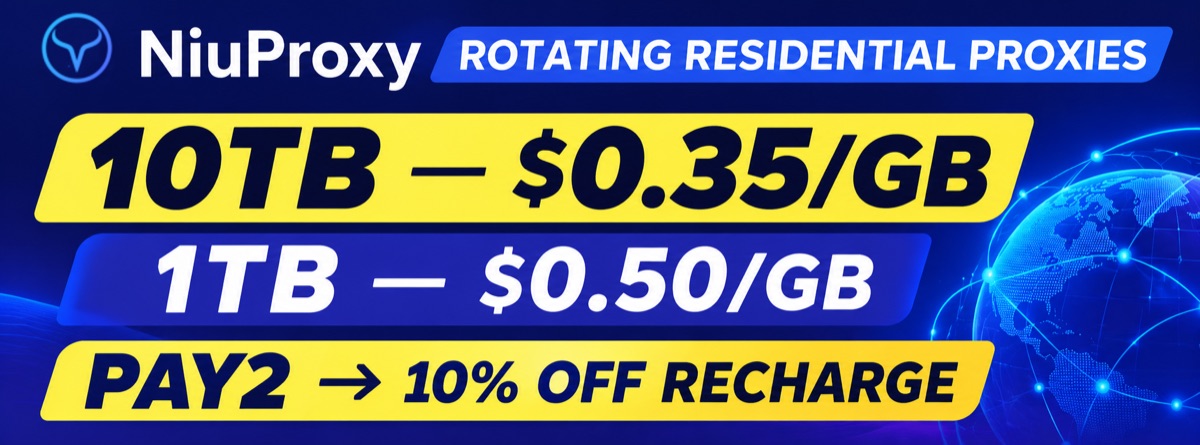 NiuProxy
Rotating residential proxies: 10TB at $0.35/GB or 1TB at $0.50/GB for Pydoll users.
NiuProxy
Rotating residential proxies: 10TB at $0.35/GB or 1TB at $0.50/GB for Pydoll users.
PAY2 10% off recharge
Sponsors
Sponsors keep the project running and help fund ongoing development. Thanks to everyone who supports Pydoll.
 Premium proxies for AI agents, scraping & automation
PYDOLL 15% off
 Residential proxy network with 190+ locations
1GB free via our link
Residential proxy network with 190+ locations
1GB free via our link
 AI-native testing cloud by LambdaTest
 Proxies for web scraping & automation
+
Your logo here
Become a sponsor
Proxies for web scraping & automation
+
Your logo here
Become a sponsor
License
Pydoll is released under the MIT License, so you can use it freely in personal and commercial projects.